Examination Guide
After completing all learning chapters, you need to take a course examination.
Each examination includes the following criteria:
- Number of questions
- Passing score
- Time limit
- Number of attempts
You must achieve a score above the passing score within the allowed number of attempts to complete the course.
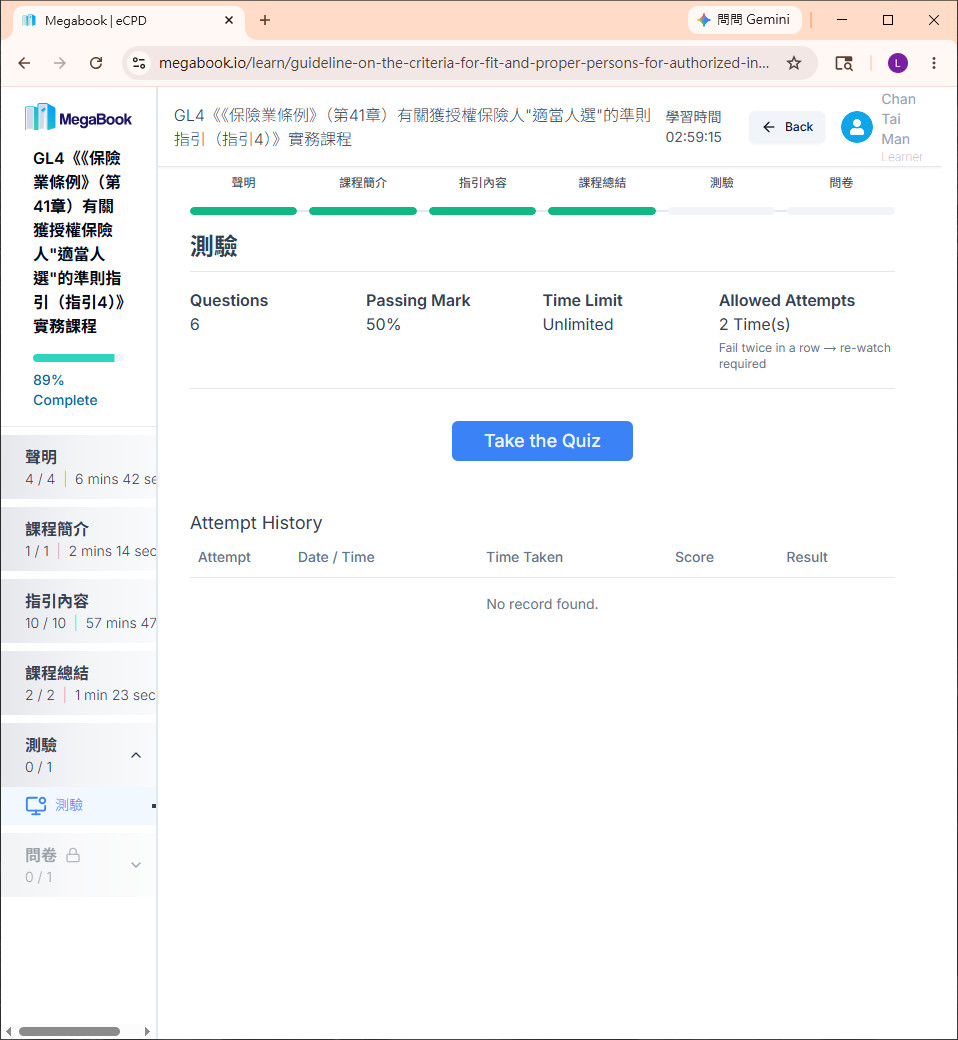
How to Take the Examination
1. Start the Examination
Click "Take the Quiz" and complete the verification.
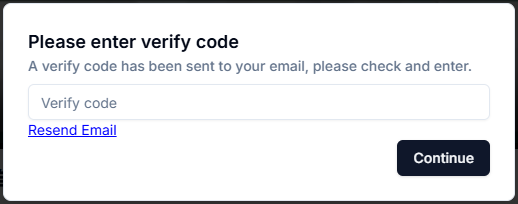
After successful verification, click "Start Now".

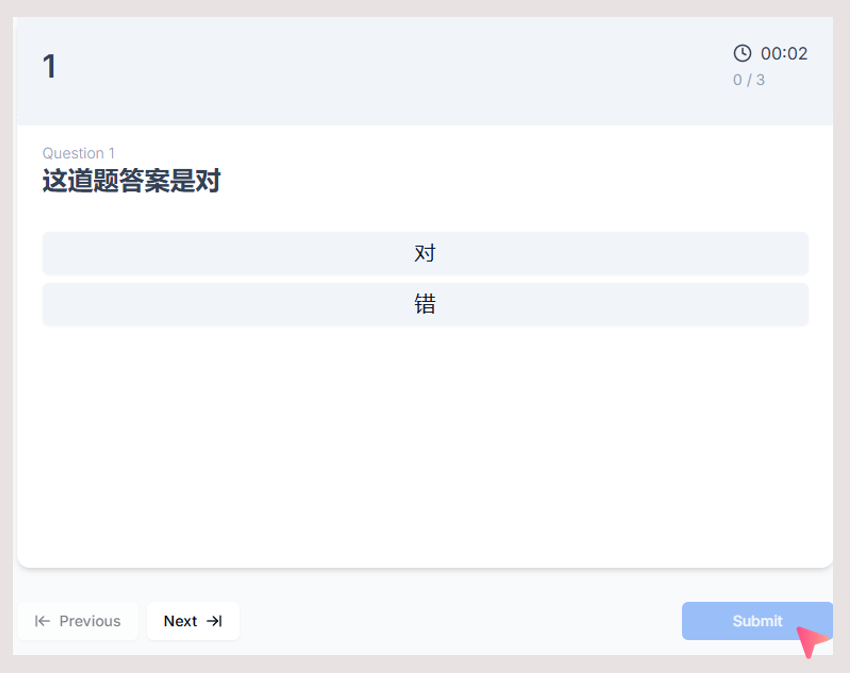
2. Answer the Questions
- Each question provides multiple options. Select your answer.
- After selecting an answer, the system will automatically move to the next question.
- You can use the "Previous" and "Next" buttons to navigate through all questions.
- After answering all questions, click "Submit" to submit your answers.
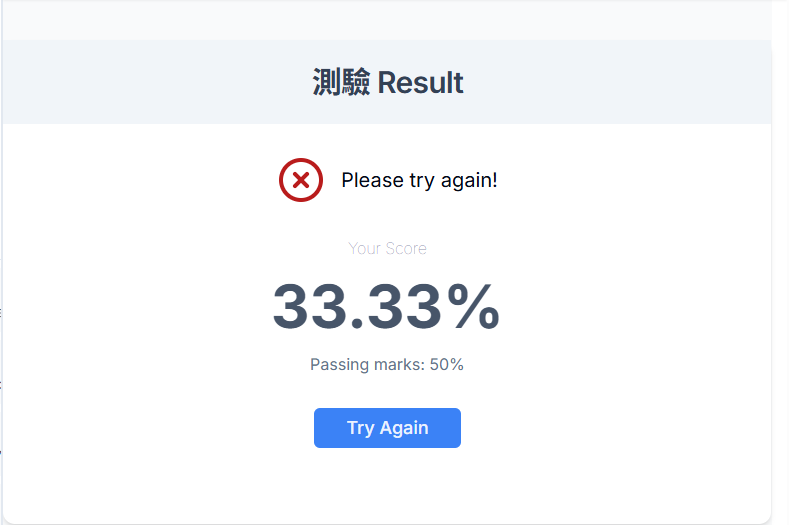
3. Exam Failure
If your score does not meet the passing standard:
- The screen will prompt you to "Try Again"
- Click "Try Again" to retake the exam
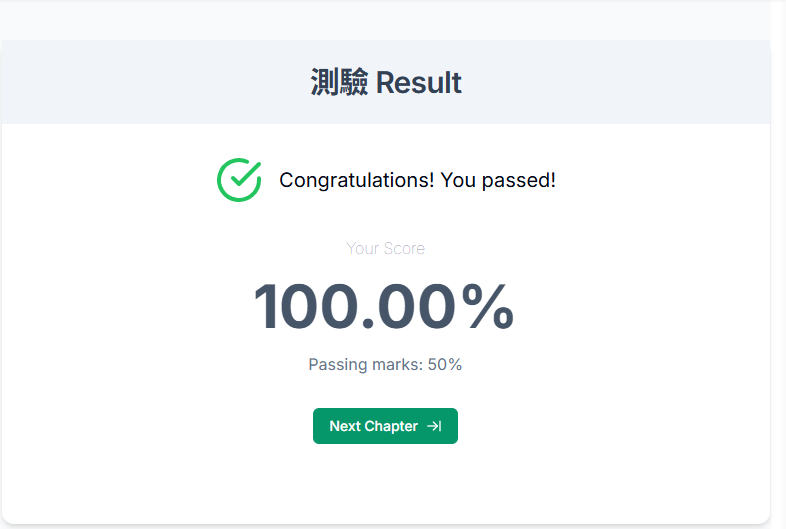
4. Exam Pass
When you pass the exam:
- A confirmation screen will appear
- Click "Next Chapter" to continue
Post-Exam Survey
After passing the exam, you need to complete a survey.
- Rating scale ranges from "Strongly Agree" to "Strongly Disagree"
- After completion, click "Submit" to finish the survey
- Upon submission, the system will automatically redirect you to the certificate page.
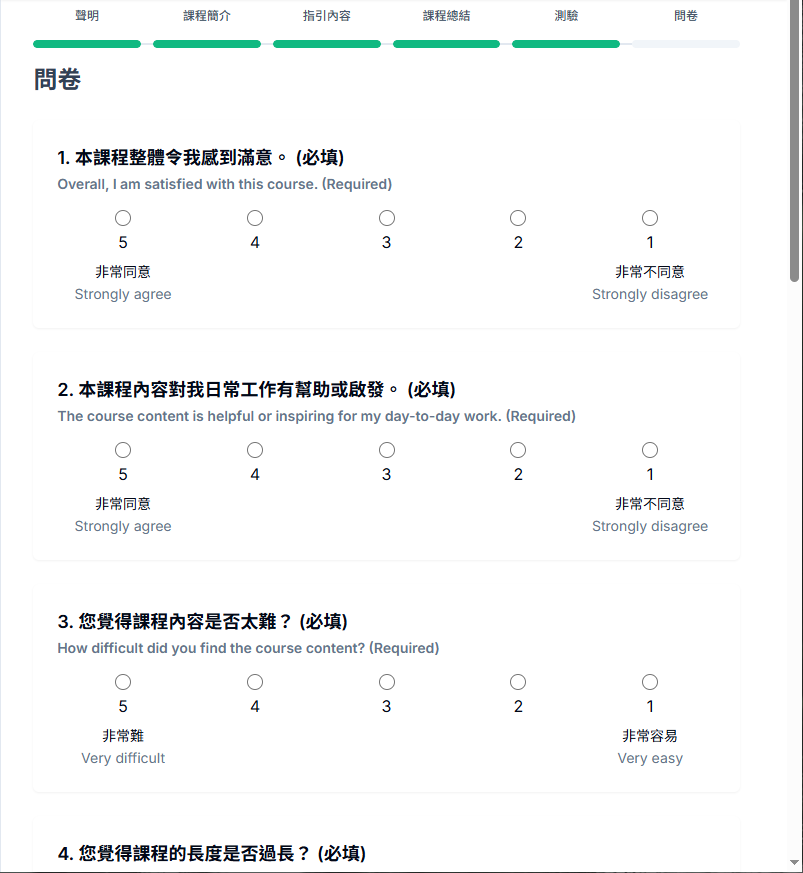
Reminder: You must complete and submit the survey to successfully mark the course as completed.